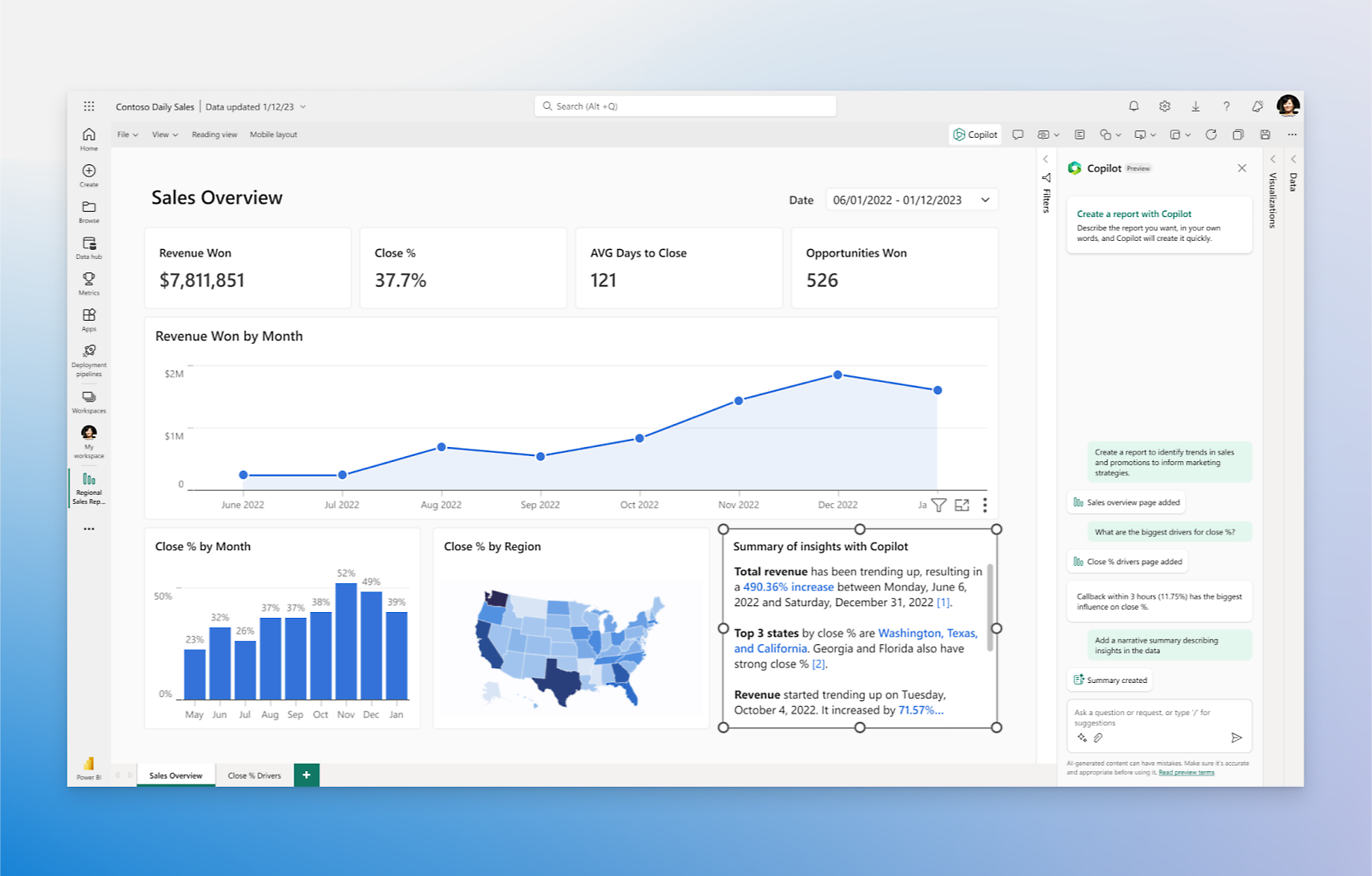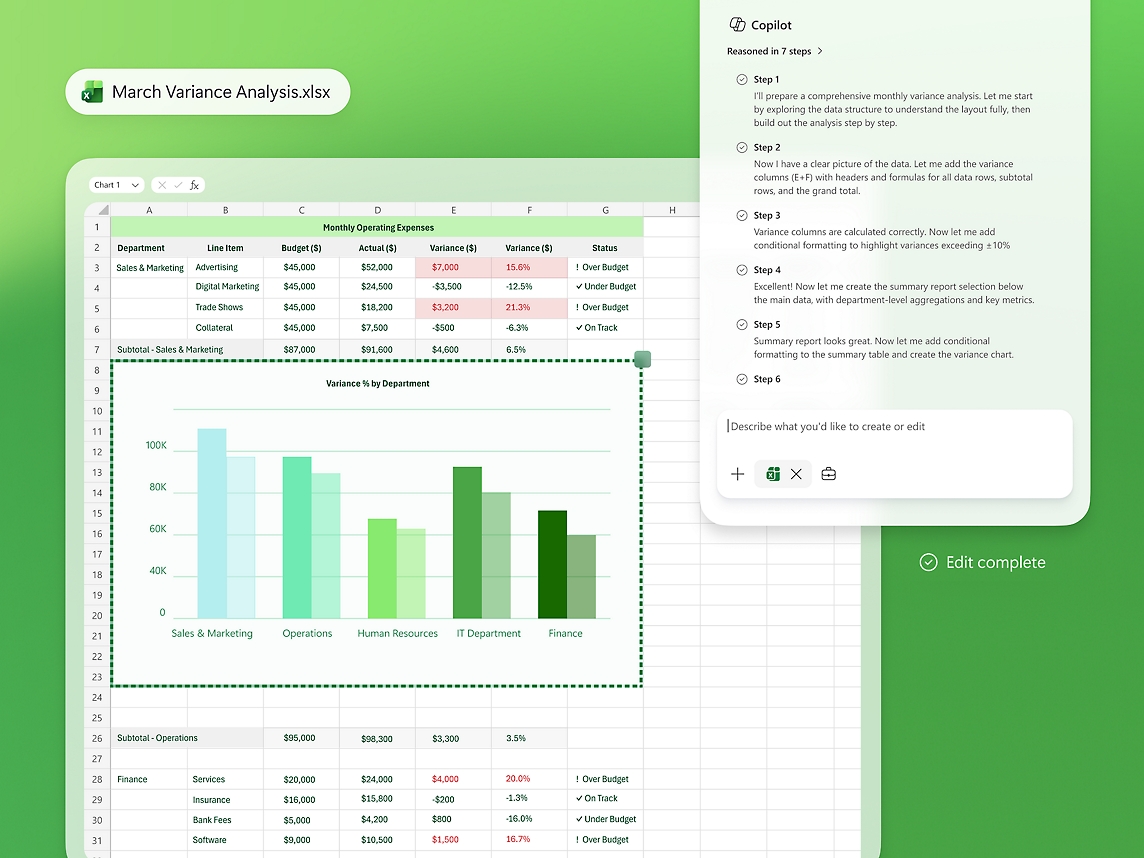
- Review information access before expanding adoption.
- Choose a small number of everyday tasks for the pilot.
- Measure usefulness and review quality together.
1. Choose the work you want to improve
Start with a task people already perform frequently: preparing a meeting brief, producing a first draft, finding relevant internal information or summarizing a discussion. Ask what makes that task slow today. Sometimes the difficulty is the writing; sometimes it is missing or conflicting source material.
A focused Microsoft 365 Copilot readiness assessment connects the proposed use case with the people, information and review steps it needs. Avoid treating every department as if it has the same requirements. Finance, sales and operations may need different information boundaries and different measures of success.
2. Review who can access what
Microsoft states that Copilot respects existing permissions and enterprise protections. That makes reviewing existing access a practical preparation step. See Microsoft’s Copilot overview.
Ask content owners to review shared locations, broad access groups and sensitive material. Information that is available too widely should be addressed at its source. Do not assume a new tool will decide the correct audience for a document that already has inappropriate sharing settings.
3. Give important information a clear owner
A policy folder containing several documents called “final” is difficult for people to navigate as well. Agree which version is current, where approved information belongs and who maintains it. Archive outdated material according to your organization’s retention requirements.
Use the pilot to uncover practical content issues: duplicate templates, inconsistent naming and instructions that no longer reflect how the business works. Fixing these issues also helps employees who do not use Copilot. Good information management should support the wider organization.
4. Run a pilot with an explicit review process
Select a manageable group with a named sponsor and a few defined tasks. Explain what information they may use, what must remain restricted and who can answer questions. Confirm the relevant product, licensing and administrative requirements before access is arranged.
Users should review generated work for accuracy, completeness and suitability before sharing it or taking action. For a meeting summary, check decisions and action owners. For a customer document, check facts, tone and commitments. A useful draft is still a draft until an accountable person approves it.
5. Measure the work, not just the logins
Ask participants whether the tool helps them finish the chosen task and where extra checking is required. Compare the time spent preparing and reviewing an output with the previous process. Record examples of useful assistance and examples that did not meet expectations, without exposing confidential information.
Use those findings to decide whether to expand, adjust training or improve source content first. Adoption is stronger when the next group receives specific examples from its own type of work, rather than a general list of capabilities.
A practical readiness checklist
- Identify a business sponsor and information owners.
- Review access to sensitive and widely shared content.
- Choose current, approved sources for pilot tasks.
- Agree user guidance and human review responsibilities.
- Confirm the relevant licence and tenant requirements.
- Review pilot findings before expanding the rollout.
Tripearltech supports Microsoft 365 planning, adoption and training. A readiness discussion can help identify the operational and information-management work that should accompany your rollout.